LiquidGlass/
By Apple™


Human \nterface Guidelines
Learn waht makes Apple's Foundational Model for UXU\ A\X The lead way.
Explore fundamental principles that guide design across Apple platforms.The most successful and enduring designs are based on a deep understanding of how people think, feel, and interact with the world. The principles here reflect this reality, and form the foundation for guidance throughout the Human Interface Guidelines.
Apple Liquid Glass 2027
A new era to integrate seamlessly each Apple platform.
Adopting Apple Liquid Glass
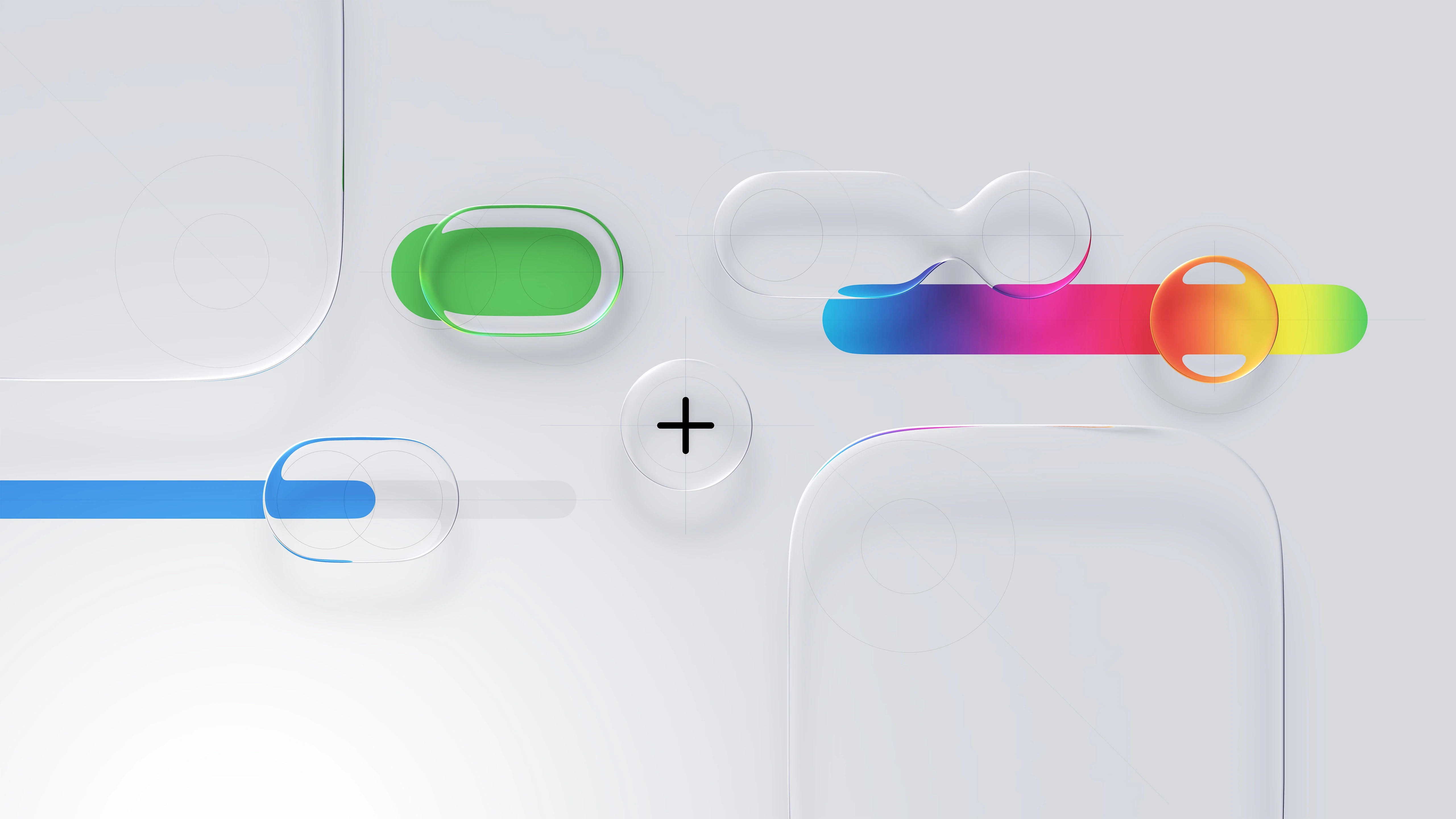
Apple Human Interface Guidelines
Think it. Build it. Deliver it. Mean it, and Tweak it.


Apple Liquid Glass 2027
Powerful scalable components in action.
HIG Considerations
Apple Liquid Glass 2027
A new era to integrate seamlessly each Apple platform.
Adopting Apple Liquid Glass
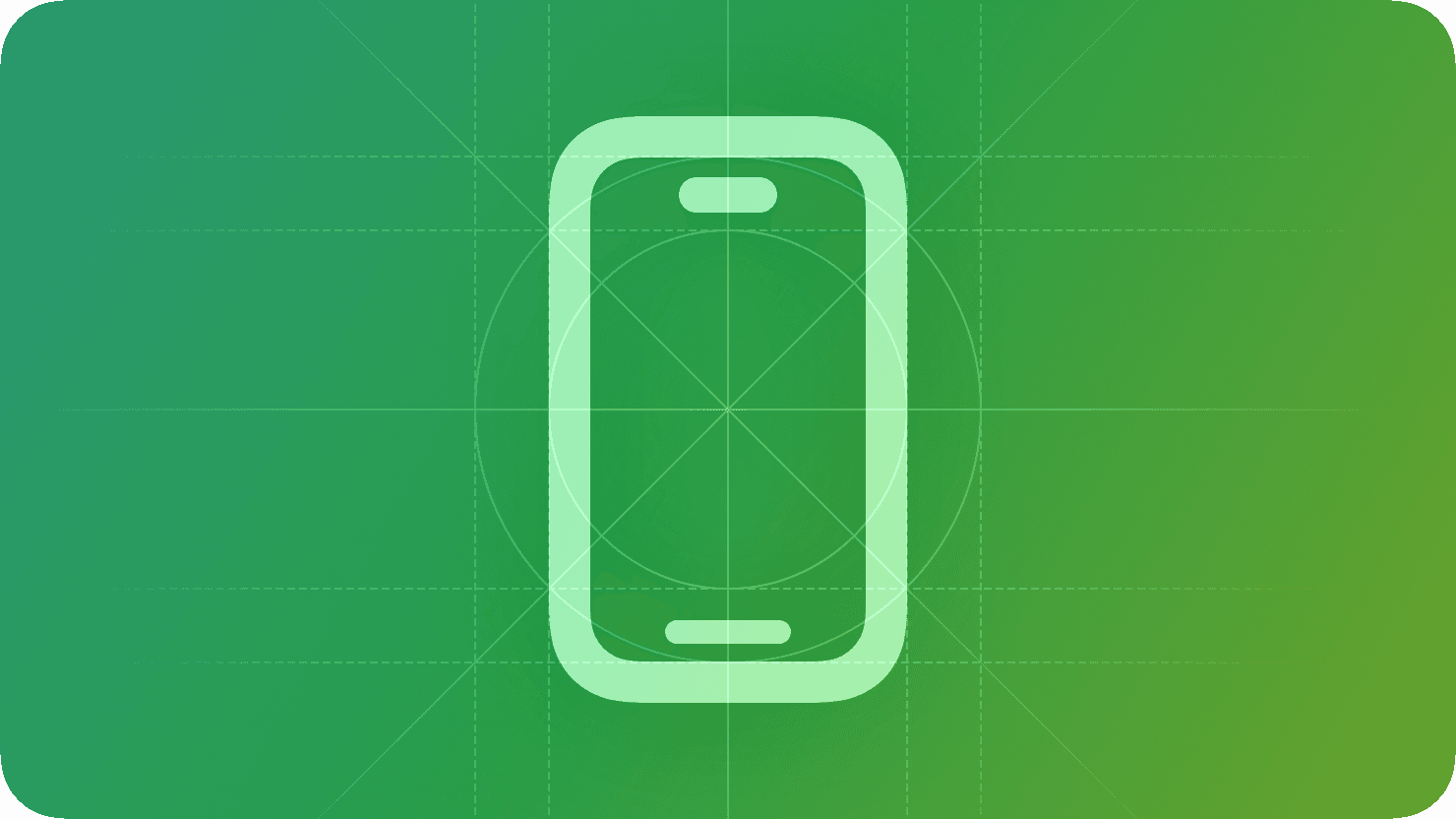
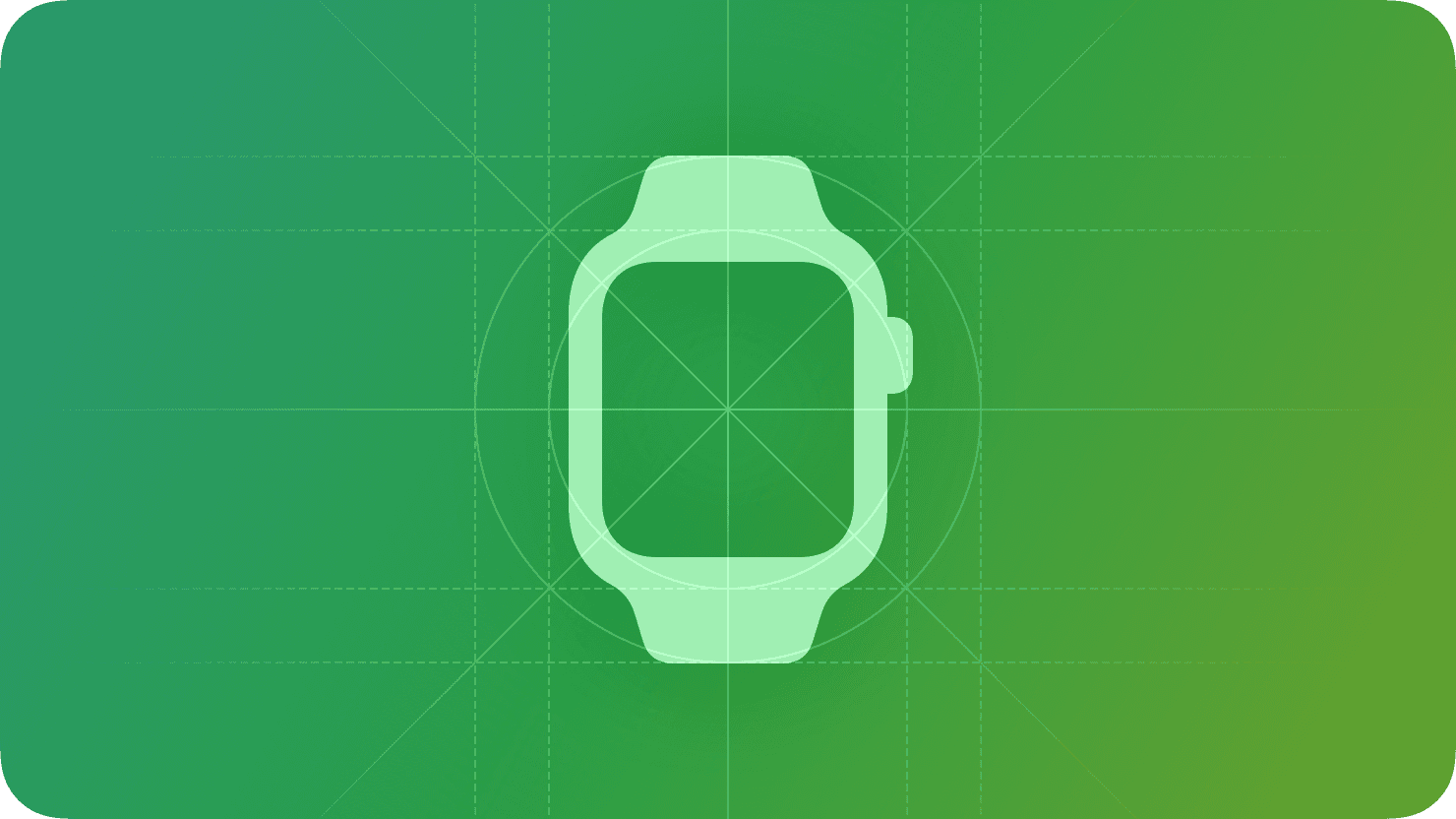




Consistency Adopt platform conventions to maintain a consistent design that continuously adapts across window sizes and displays.
Hierarchy Establish a clear visual hierarchy where controls and interface elements elevate and distinguish the content beneath them.
Harmony Align with the concentric design of the hardware and software to create harmony between interface elements, system experiences, and devices.
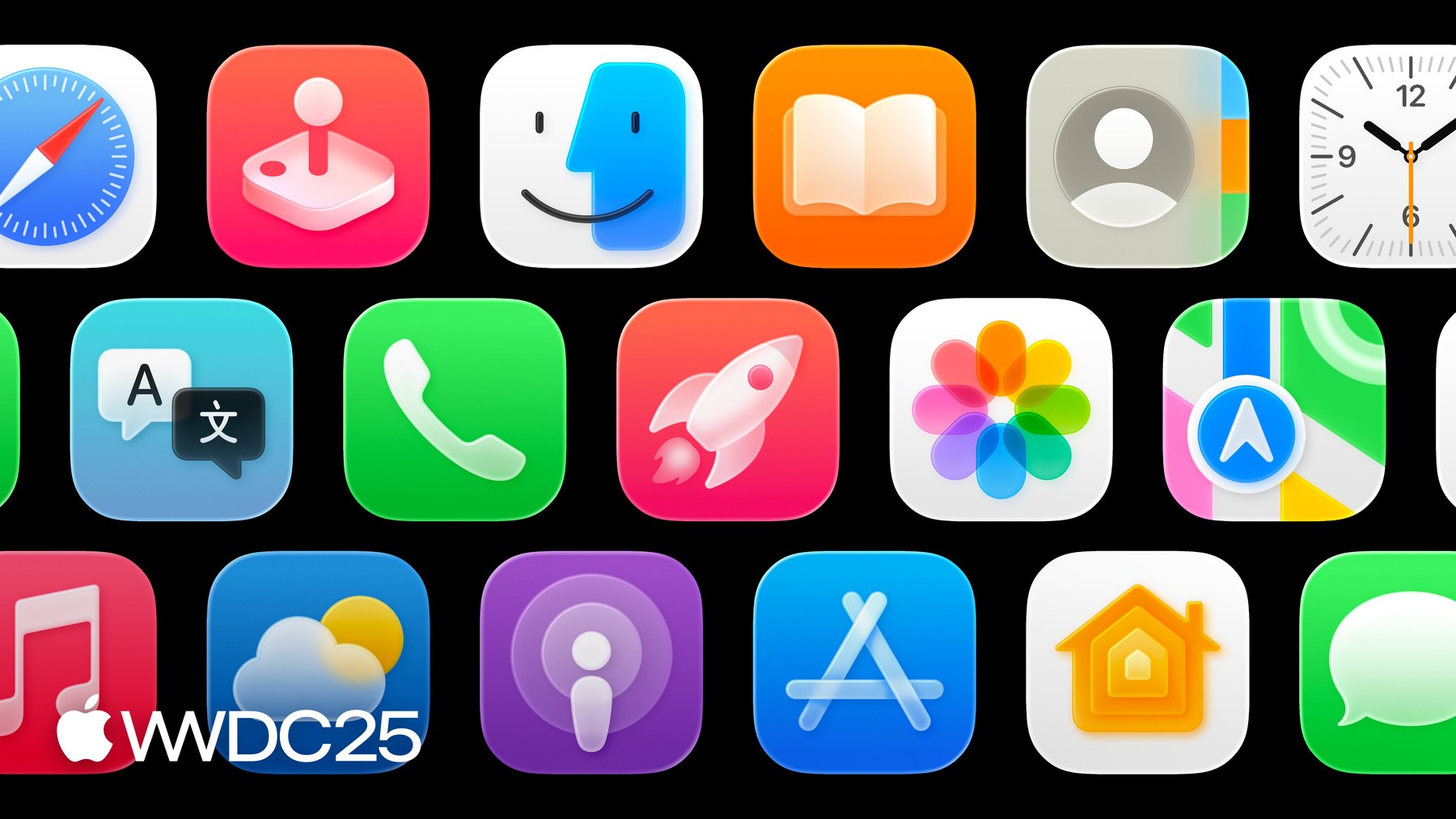
Apple’s Human Interface Guidelines [H\G]
—serve as a comprehensive resource for developers and designers as myself to create intuitive, user-centered interfaces. The guidelines emphasize principles such as clarity, consistency, and responsiveness, which are critical for crafting seamless and visually appealing user experiences.


Foundations

Patterns

Components

I/O

Technologies
Apple Human \nterface Guidelines H\G™

User Interface [U\] APIs are the building blocks of digital experiences —reusable elements like buttons, input fields, modals, navigation bars, and cards that work together to create consistency and clarity across a product. Well-designed components follow established design systems and accessibility standards, ensuring a seamless user journey while also streamlining development. As a UX designer, defining and refining U\ components means balancing aesthetic precision with functional purpose—ensuring every interaction feels intuitive, responsive, and aligned with user needs across devices and platforms.


mapKIT API

healthKIT API

multimediaKIT API

homeKIT API

sceneKIT API
Xcode™ Kits/APIs

Apple™
Software Dev Kit
[SDK] — a powerful and thoughtfully crafted front-end framework designed for building Apple applications with consistent UXU\ A\X.
A11y Optimization
Animations/Effects
Automated SEO
Built-in Analytics
Content [CMS]
Components
Forms
Layout
Project Styles
P3 Color
Rich Media
Carousel
Slideshow-Tickers
Sticky Scrolling
Link Styles
Overlays
Responsive Design
Text Styles
Sticky Scrolling
Parallax Scrolling
Custom Cursors
Visual Breakpoints
.
1
3
.
1
3